
Yes, we’re still using IRC in 2026, haha. Sometimes you can’t rely on Slack or email for mission-critical work, including technical alerts and logs.
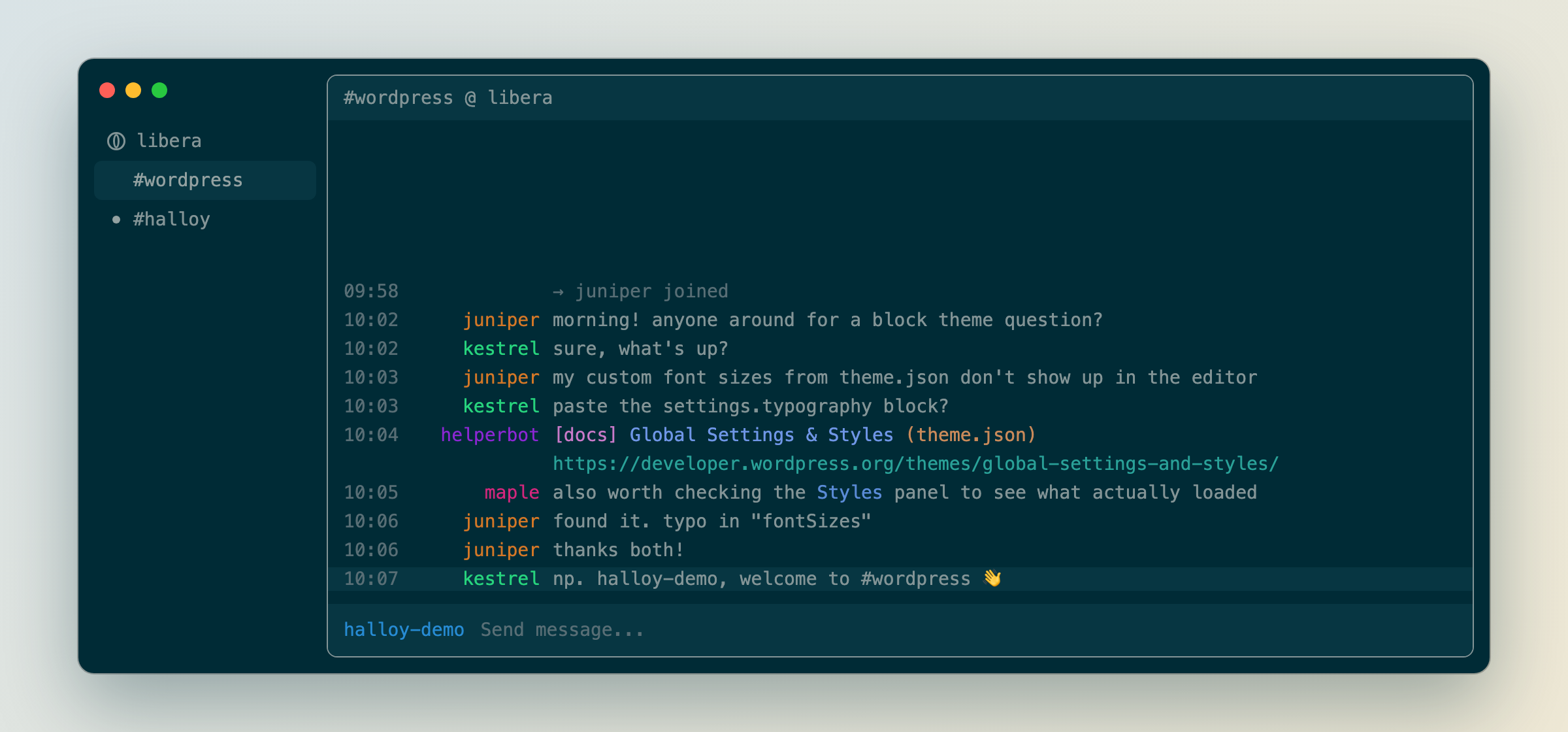
This month I moved my IRC usage from LimeChat to Halloy.
A good time to look around because the best macOS IRC apps like LimeChat, Colloquy, or Textual are either sunset or haven’t had recent updates.
Why Halloy
- Open source: GPL-3.0, on GitHub, with regular releases.
- Plain-text config: one file for settings and one per theme, easy to keep in version control.
- Easy to tweak: most changes apply with a config reload. Font changes need an app restart.
Tips
Pin your highlights. Halloy’s window system allows many split-pane options; I load key highlights into a 100% wide pane with other channels below in 50% splits.
Make bot colors readable. Several of the 16 standard IRC colors nearly vanish on a Solarized background. A theme’s [formatting] table overrides them.
Hide old connect and disconnect lines. Set success.smart and error.smart to 300 under [buffer.internal_messages], and anything older than five minutes disappears. The reduce noise guide covers joins, parts, and quits too.
Pick a readable font that Halloy can load. A monospaced font that isn’t variable-weight works best. I’m using Menlo, since it ships with macOS and matches my other apps.
See my config
My config using Solarized dark and light themes with more tips & tricks is on GitHub under lancewillett/halloy-irc. The color fixes come from my LimeChat theme, Colloquial-Lance.


Leave a Reply